
The report gets written while the detail is fresh
Category, severity, what happened, and photographs, taken on the phone at the scene. Not remembered at the end of a twelve-hour shift and typed into a spreadsheet the next morning.
Start free trial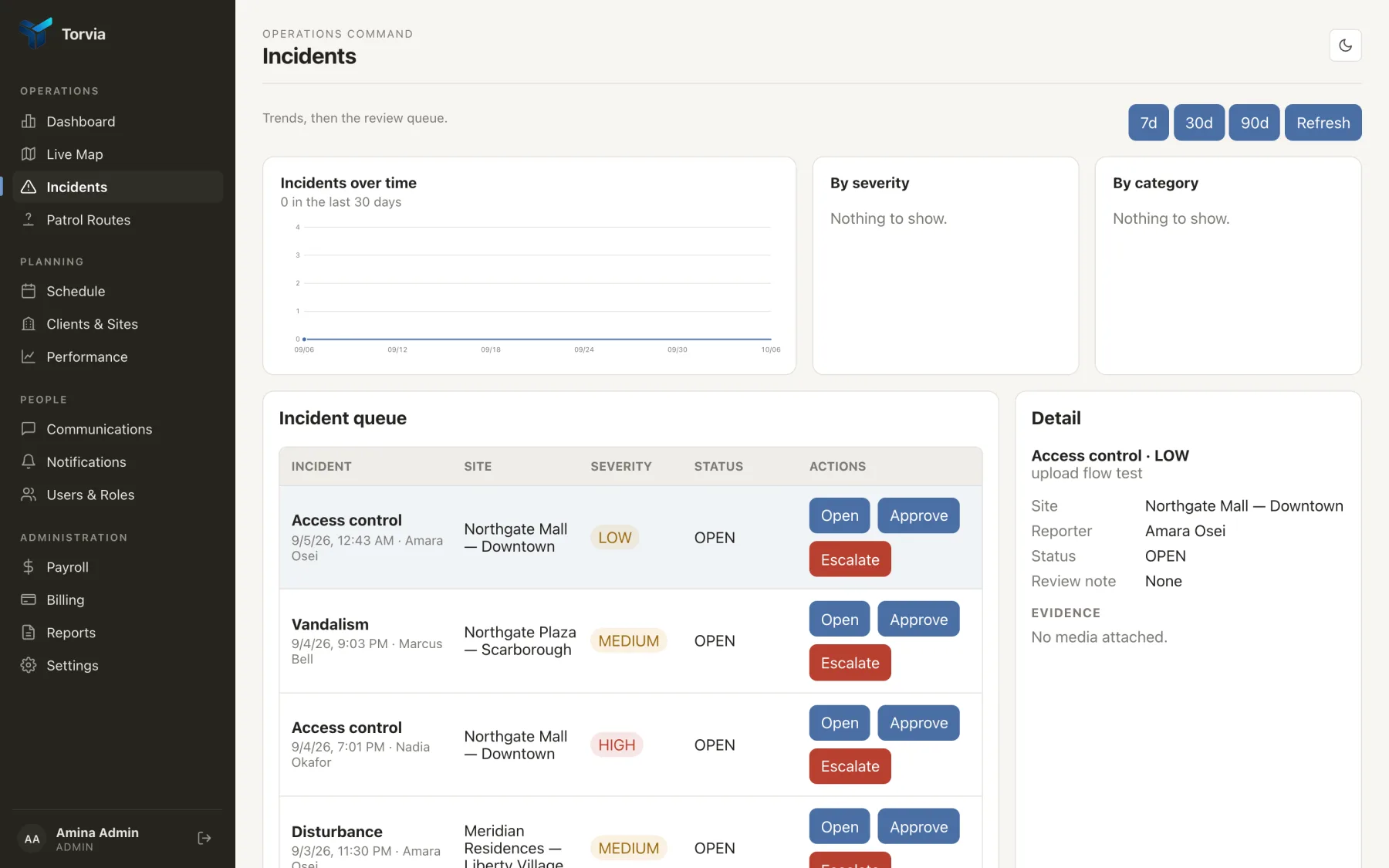
Photographs attach at the scene
Camera or gallery, attached to the report before the guard moves on. A damaged shutter photographed at 02:40 settles a conversation that a description never will.
Severity and category are chosen, not typed
Fixed categories and four severities mean incidents can be counted, filtered and trended. Free-text categories cannot, which is why most incident logs tell you nothing in aggregate.
Status moves through review
Open, under review, approved, escalated, closed. A supervisor sees what is waiting on them, and nothing sits in an inbox pretending to be a workflow.
Trends are on the dashboard, by site
Incidents over the last thirty days, broken down by severity and category. The conversation with a client about adding a second guard is easier with the shape of the month in front of you.