
Know the site is covered without phoning anyone
Every guard on duty, on one map, against the sites they were rostered to. Clock-in is checked against the site's geofence, so "on shift" means they were actually there.
Start free trial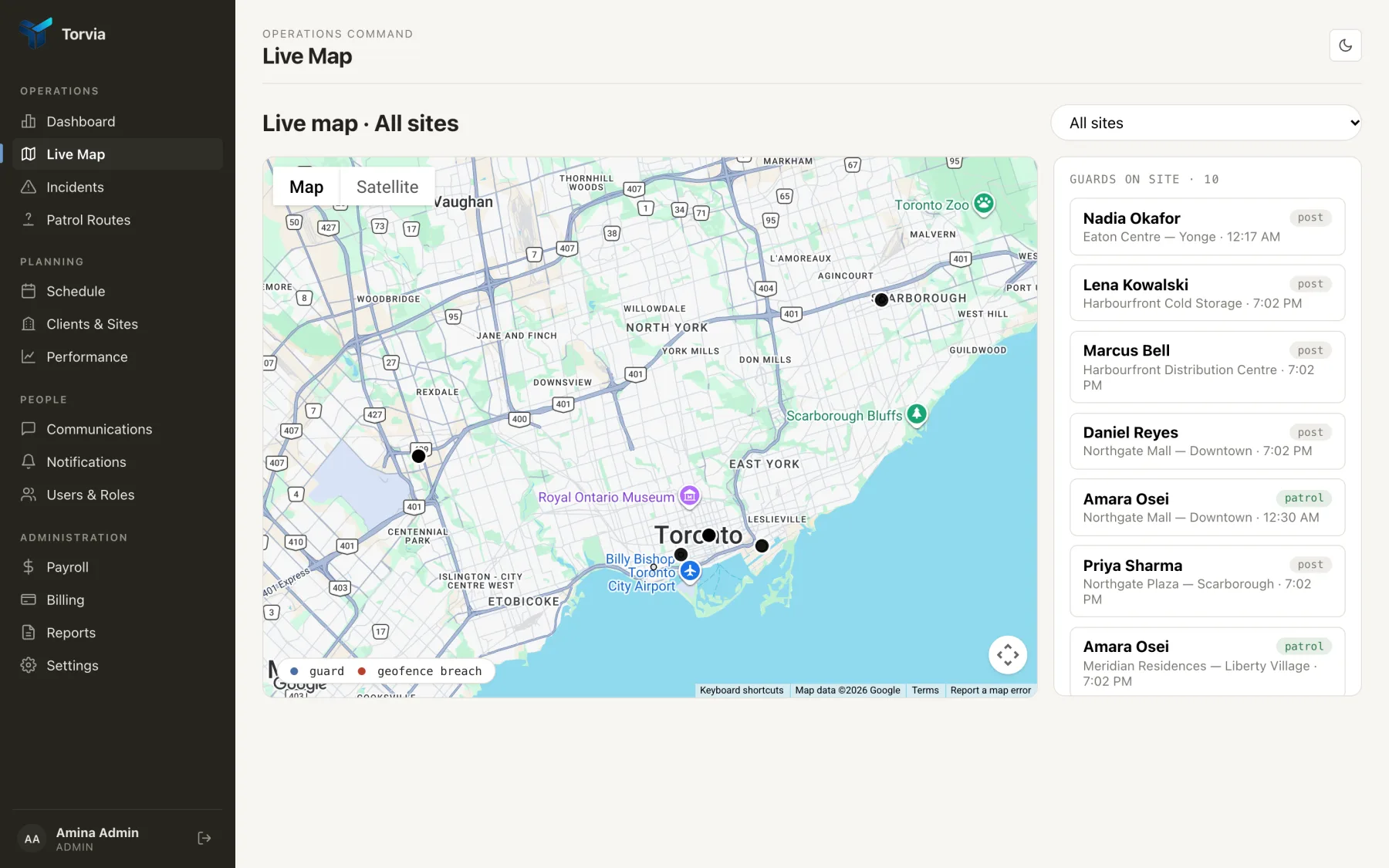
Clock-in is checked against the site boundary
Each site carries a geofence. When a guard clocks in, their position is checked against it and the result is stored with the shift — not as a note, as a field you can filter on later.
Position is recorded while the shift runs
Background location continues while a guard is clocked in, and stops when they clock out. It is never collected off-shift, which is both the right behaviour and the one your guards will ask about.
A breach is visible rather than buried
Leaving the geofence mid-shift marks the guard on the map and in the shift record. The supervisor sees it as it happens instead of finding it in a report on Monday.
Sites show their own coverage
The dashboard counts sites covered against sites rostered. An uncovered site is a number on the first screen, not something you notice when the client calls.